AI Voice System Personalization in IVR: How It Boosts CSAT (and Reduces Caller Friction)
Learn how an AI voice system personalizes IVR to cut caller effort, reduce abandonment, and boost CSAT—with scripts, examples, and quick wins for SMBs.
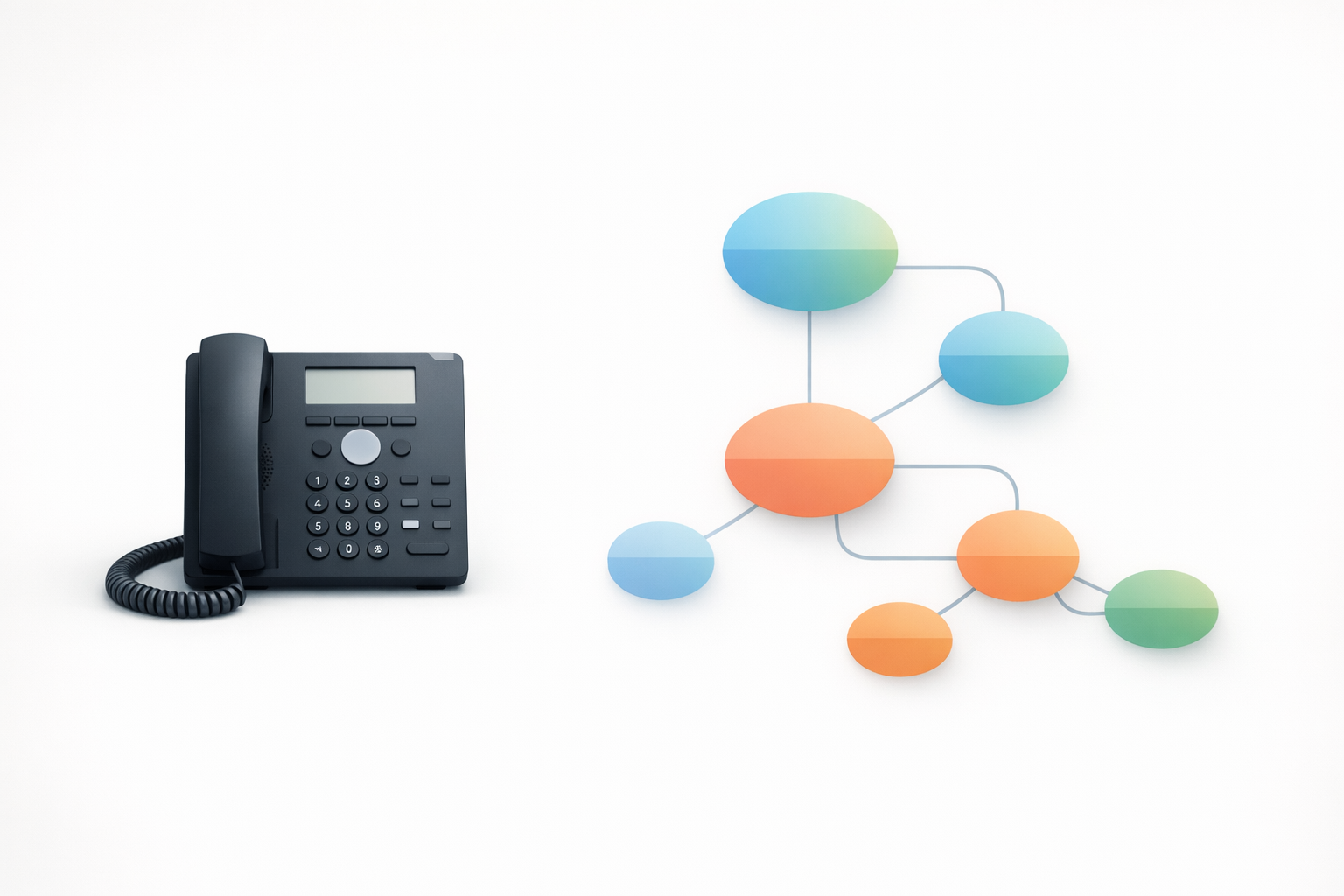
AI Voice System Personalization in IVR: How It Boosts CSAT (and Reduces Caller Friction)
If your phone experience feels “fine,” but CSAT is soft, personalization in your IVR is one of the fastest fixes. Not because callers want a fancy phone tree—because they want to get where they’re going with less effort.
Below is a practical playbook for small and mid-sized teams: what to personalize, what to say, and how to use on-hold messaging to reduce repeat questions, transfers, and hang-ups.
Why personalization in IVR changes CSAT (even before a human answers)
CSAT is often a “how hard was that?” score in disguise
When callers feel stuck—long menus, unclear options, repeating themselves—satisfaction drops even if your staff is friendly.
Waiting also feels longer when there’s no feedback or expectation setting. Basic UX research on perceived responsiveness reinforces that people judge experiences heavily by timing and feedback loops (not just outcomes). See Nielsen Norman Group’s guidance on response-time limits and perceived performance: Response Times—The 3 Important Limits.
Personalization reduces effort: fewer menus, fewer repeats, fewer transfers
Personalization doesn’t have to mean “we know who you are.” In IVR, it usually means:
- The system adapts to context (open vs. closed, holiday hours, location)
- The system routes faster (top intents get a direct path)
- The system explains what happens next (estimated wait, call-back option if available, what info to have ready)
What “personalized IVR” actually means (practical, not creepy)
Context-based prompts: hours, location, department, call reason
This is the easiest win for SMBs. Examples:
- “For today’s hours and directions, press 1.”
- “If you’re calling about billing, press 2.”
- “If you’re calling about an appointment today, press 3.”
Keeping hours accurate across channels matters because callers will test your IVR against what they see online. Google’s official guidance on updating business hours is here: Edit your business information.
Recognition-based prompts: returning callers and known customers (when appropriate)
If your phone system or CRM can identify returning callers, you can offer shortcuts:
- “If you’re calling about your open order, press 1.”
- “To reschedule, press 2.”
Keep it optional and respectful; the goal is speed, not surprise.
Intent-based routing: letting callers say what they need
Even without a full contact-center platform, you can move toward intent-based design:
- Reduce choices to the top 3–5 reasons people call
- Use plain language labels (“Pay a bill,” “Schedule,” “Tech support”)
- Avoid internal department names unless customers use them
For a deeper redesign approach, use this cluster pillar: Transforming your phone tree from a maze to a map.
Quick wins SMBs can implement this week
1) Personalize by time: open vs. after-hours paths
Do this first because it prevents dead-end calls.
Checklist:
- Confirm open/closed message matches reality (including holidays)
- Offer the next best action (leave voicemail, emergency line, self-serve link if you provide it)
- Set expectations (“We return messages by 10am next business day”)
2) Personalize by intent: top 3 call reasons get a fast lane
Pull a quick list from:
- Reception notes
- Missed call reasons
- The questions your team repeats daily
Then build one-tap paths for the top intents.
3) Personalize the wait: on-hold messages that answer FAQs and set expectations
Hold time is part of the experience—so use it.
On-hold messaging can:
- Reduce repeat questions (“What are your hours?” “Do you take walk-ins?”)
- Improve routing (“For returns, have your order number ready.”)
- Support revenue (“Ask about our maintenance plan when we return.”)
If you’re starting from scratch, read: On-hold messaging for small businesses: a practical starter guide.
IVR scripting templates you can copy
Use these as starting points. Keep them short, calm, and specific.
Open-hours greeting (short + directional)
- “Thanks for calling [Business Name]. To schedule or change an appointment, press 1. For billing, press 2. For all other questions, press 3.”
After-hours greeting (helpful + options)
- “You’ve reached [Business Name] after hours. Our next business day is [Day] at [Time]. To leave a message for a call back, press 1. If this is an urgent issue for an existing customer, press 2.”
High-volume moment script (sets expectations without sounding defensive)
- “We’re helping other callers right now. If you can, please have your [account/order/vehicle] number ready. We’ll be with you as soon as possible.”
Want the “human concierge” feel without making the menu longer? See: Creating a concierge experience over the phone.
Mini scenario (illustrative): what changes when you personalize
Illustrative scenario (not a real company): A 15-person HVAC company gets frequent calls for same-day scheduling, invoices, and warranty questions.
Before: generic menu + generic hold music
- “Press 1 for sales, 2 for service…”
- Callers guess wrong, get transferred, repeat details
- Hold music provides no next steps
After: intent prompt + targeted holds + fewer transfers
- “For schedule service, press 1. For invoice or payment, press 2. For warranty, press 3.”
- On hold: “For faster scheduling, have your address and preferred times ready.”
- Result: fewer misroutes, fewer repeats, smoother calls (which typically shows up in CSAT comments)
Common mistakes that hurt CSAT (and how to fix them)
Mistake 1: Too many options and nested menus
Fix:
- Cap the first layer at 3–5 choices
- Put “all other” last
- Remove internal jargon
Mistake 2: Requiring callers to repeat info
Fix:
- Ask for info once, as late as possible (after routing)
- If you must collect it early, confirm it will be passed along
Mistake 3: No expectation setting during holds
Fix:
- Add short on-hold messages that:
- Set expectations (“We’ll be with you shortly”)
- Reduce effort (“Have X ready”)
- Answer the top FAQ
A simple way to keep this consistent is to standardize your voice and music across messages.
Where an AI voice system fits (upgrade path from static IVR)
Most SMB phone experiences don’t fail because the team doesn’t care—they fail because updates are slow.
An AI voice system approach helps when you need to:
- Update scripts fast (hours, staffing changes, seasonal promos)
- Keep a consistent voice across departments
- Rotate messages so callers don’t hear the same line every time
With On-Hold Message Studio, you can type a script, choose from professional voices, match background music to your business type, and download MP3/WAV in minutes. Explore OnHoldToGo and see pricing when you’re ready.
How to measure impact without a full contact-center stack
You don’t need enterprise tooling to know if personalization is working.
Track for 2–4 weeks before/after changes:
- Transfers per call (down is good)
- Calls that hit “operator/0” (down is good)
- Repeat questions your staff logs (down is good)
- Voicemail volume after hours (should match your intent)
Then run a quick audit of the caller journey using: How to conduct a phone experience audit for your business.
If you also run complaint handling workflows, align your phone experience to consistent resolution practices (see ISO 10002:2018 for the standard overview).
Next step: turn hold time into a branded, revenue-supporting moment
Start small:
- Write 3 short on-hold messages (FAQ + expectation + soft offer)
- Rotate them so repeat callers hear fresh content
- Update monthly (or whenever hours/offers change)
If you want the fastest path, build your first set in minutes with OnHoldToGo.