How to Create a One-Number Customer Call Experience Across Multiple Locations
Build a one-number customer call experience for every location using smart routing, IVR scripting, and on-hold audio that stays consistent and converts.
How to Create a One-Number Customer Call Experience Across Multiple Locations
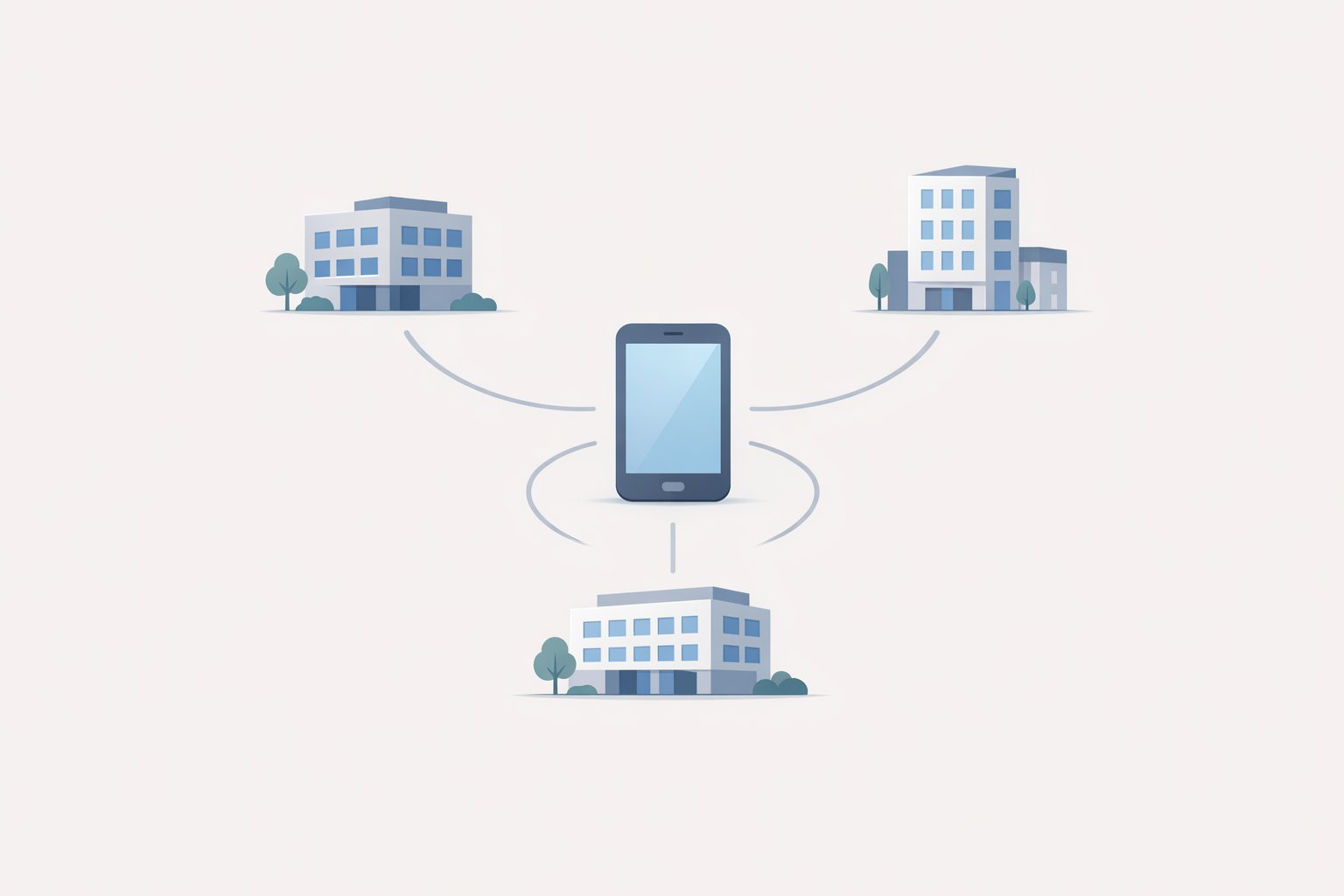
If you run multiple locations, your customers don’t want to “figure out your org chart.” They want one number, a fast path to the right person, and a consistent experience that feels like your brand—every time.
This guide walks you through a practical, SMB-friendly way to build that one-number customer call experience using routing rules, a simple IVR, and on-hold messaging that supports bookings and reduces hang-ups.
What a “one number” experience actually means (and why customers care)
A “one number” experience is when every caller starts in the same place (one published number) and gets routed behind the scenes based on what they need—without hearing a different greeting, different tone, or different instructions depending on which location they reached.
The problem: callers don’t think in “locations”
Customers think in outcomes:
- “I need to schedule.”
- “Is this covered?”
- “Can someone give me a quote?”
- “I’m trying to reach the person I spoke to last time.”
When each location has its own phone personality (different menu, different hold music, different wording), callers lose confidence—and you get more misroutes and repeats.
The revenue impact: fewer hang-ups, fewer misroutes, faster bookings
A consistent call flow reduces friction. Less friction usually means:
- more calls reaching the right team on the first try
- fewer transfers
- fewer “I’ll call back later” moments
The building blocks of a one-number customer call experience
Think of this as a simple stack:
1) One published number (website, Google Business Profile, signage, ads)
2) Routing rules (where calls go based on caller needs and business logic)
3) A consistent IVR (short menu, same voice and structure)
4) On-hold messaging (answers FAQs, sets expectations, prompts next steps)
If your published number is inconsistent online, fix that first. Google Business Profile is often the biggest source of “wrong number” issues for multi-location businesses—here’s Google’s official guidance on keeping business info updated: Google Business Profile: edit your business information.
Routing patterns that work for multi-location businesses
Most “one number” setups are just combinations of these patterns:
Geo-routing (nearest location first)
Best for: retail, clinics, service-area businesses with defined territories.
How it works:
- Caller enters ZIP, or the system infers location (depending on your phone system).
- Call routes to the nearest/assigned location.
Tip: If you use a ZIP prompt, keep it optional and offer a quick escape (“Press 0 for help”).
Time-based routing (after-hours, holidays, lunch coverage)
Best for: any business with multiple schedules.
Rules to consider:
- after-hours → voicemail or answering service
- lunch coverage → ring a shared queue
- holidays → a short holiday announcement + routing to emergency option if applicable
Simultaneous ring (first available wins)
Best for: sales teams, appointment desks, small teams across locations.
How it works:
- Ring multiple endpoints at once (main desk + manager + overflow team).
- Whoever answers first takes it.
Overflow routing (when queues get long)
Best for: high-volume appointment businesses.
How it works:
- If hold time/queue depth hits a threshold, route to:
- a central team
- a backup location
- an answering service
Failover routing (if a site is down)
Best for: businesses where missed calls are expensive.
How it works:
- If location A is unreachable, route to location B or a central queue.
IVR scripting: keep it short, consistent, and conversion-friendly
Your IVR is only “helpful” if it’s faster than a human. Keep it tight.
For general usability principles like clarity and consistency, NIST’s overview of usability heuristics is a useful reference point: NIST: usability heuristics and user interface design.
A proven 4-option menu template
Use this as a starting point:
- Option 1: Appointments / Scheduling
- Option 2: Sales / Estimates
- Option 3: Existing orders / Support
- Option 0: Operator (or “Press 0 if you’re not sure”)
If you have locations with unique departments, keep the top level the same and handle differences after the first choice.
What to say (and what not to say)
Do:
- say the business name once
- set an expectation (“We can help you schedule, get a quote, or reach support.”)
- use plain language (customers don’t say “Accounts Receivable”)
Don’t:
- list every location in the menu
- create a 9-option “directory”
- bury the most common action (scheduling) behind multiple layers
For a deeper walkthrough on simplifying phone trees, see: Transforming Your Phone Tree From a Maze to a Map.
How on-hold messaging turns “waiting” into conversion support
Routing gets callers to the right place. On-hold messaging keeps them confident they chose the right business.
Use hold time to:
- answer top FAQs (pricing ranges, service areas, what to bring)
- reduce repeats (“To reschedule, have your appointment date ready.”)
- promote the next best step (book online, request an estimate, text a photo)
If you want a practical foundation, this guide helps you map what to say first: On-Hold Messaging for Small Businesses: A Practical Starter Guide.
Rotate messages so frequent callers don’t tune you out
If you have repeat callers (patients, members, property managers, vendors), repetition kills attention.
A simple fix is rotating short “modules,” for example:
- Module A: reassurance + hours
- Module B: appointment prep checklist
- Module C: promo/seasonal offer
- Module D: “what to do next” (online form, documents, etc.)
OnHoldToGo’s smart rotations are designed specifically for this: you create a small set of messages and the system generates variations so callers hear fresh content.
If you’re aiming for a higher-touch feel, pair your menu with a concierge tone: Creating a Concierge Experience Over the Phone.
Illustrative scenario: a 3-location service business standardizes calls in one afternoon
Illustrative example (not a case study):
A three-location home services company has:
- three different greetings (one mentions financing, one doesn’t)
- random hold music per location
- frequent misroutes (“I meant the north office”) and repeat questions
They switch to:
- one published number
- geo-routing to the nearest location, with overflow to a central scheduler
- a consistent IVR (same wording and voice)
- on-hold messages that cover service area, how to get a quote, and what info to have ready
Result: callers stop hearing “wrong office” transfers, and the on-hold time starts doing real work—setting expectations and pushing the next action.
Common mistakes (and quick fixes)
- Mistake: Too many menu options.
Fix: cap the first menu at 3–5 choices. Put edge cases under “Operator” or a second layer.
- Mistake: Location names customers don’t use.
Fix: use what customers say (“Downtown,” “Near the mall,” “North side”).
- Mistake: Inconsistent voice, music, or promises across locations.
Fix: standardize voice + music and keep offers/policies aligned.
- Mistake: Forgetting accessibility and clarity.
Fix: speak clearly, avoid fast disclaimers, and provide a path to assistance.
For reference on effective communication expectations, see ADA.gov: Effective Communication and the FCC overview of Telecommunications Relay Services (TRS).
A 30-minute setup checklist you can use today
1) Decide your routing rules
- geo vs. skills-based vs. simultaneous ring
- after-hours and holiday behavior
- overflow thresholds
2) Write one master script
- greeting (brand + reassurance)
- IVR menu (3–5 options)
- voicemail (what to leave, when you’ll respond)
3) Standardize on-hold messaging
- 4–6 short modules
- one consistent voice
- background music that matches the business tone
4) Test like a customer
- call from a mobile phone
- press “wrong” options on purpose
- check how long it takes to reach a human
If you want personalization without making your menu longer, see: How Personalization in IVR Boosts Customer Satisfaction (CSAT).
Next step: standardize your on-hold audio across every location
The fastest win for a multi-location business is consistent messaging—because it immediately makes your phone experience feel intentional.
With OnHoldToGo, you can:
- type a script and download professional audio in minutes
- choose from 25 professional voices
- add background music matched to your business type
- use smart rotations so callers hear fresh content
- download MP3/WAV (including ZIP downloads)
CTA: If you’re ready to turn hold time into a branded, revenue-supporting moment, review pricing and create your first set of rotating on-hold messages.