Customer Call Experience: Increase First Call Resolution (FCR) with Better Prompts
Improve customer call experience and FCR with clearer IVR prompts, smarter routing, and better on-hold guidance. Cut transfers and hang-ups fast.
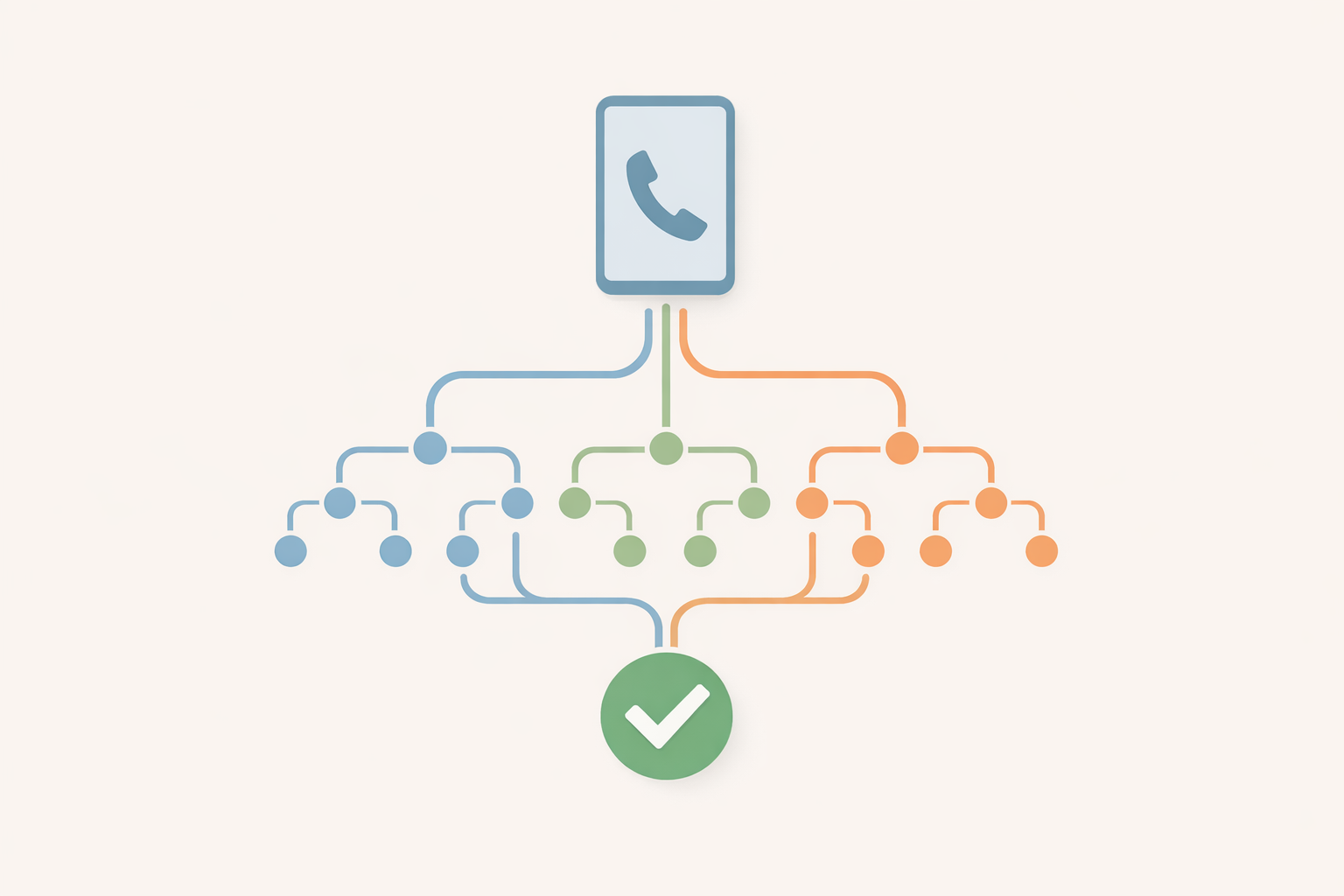
Customer Call Experience: Increase First Call Resolution (FCR) with Better Prompts
Your first call resolution rate usually isn’t failing because your team “can’t handle calls.” It’s failing because callers are getting prompted into the wrong path, arriving to an agent unprepared, or hanging up before they reach the right resource.
If you can tighten your IVR scripting, reduce menu depth, and use on-hold time to prepare callers (not just entertain them), you can improve FCR and protect revenue.
Why FCR is really a “prompting” problem (and a revenue problem)
What FCR means in plain language
First Call Resolution (FCR) means the customer’s issue is resolved on the first contact—no transfer ping-pong, no “call us back with that number,” no second call because they picked the wrong option.
Where FCR breaks: misroutes, missing info, and unclear expectations
Most repeat calls come from a few predictable breakdowns:
- Misroutes: the menu labels don’t match what the caller means.
- Missing info: the caller reaches an agent without the key detail needed to finish the job.
- Unclear expectations: the caller hangs up because the wait feels endless (or suspicious).
Setting expectations matters because perceived time is different from clock time. Nielsen Norman Group’s classic guidance on response-time thresholds helps explain why small improvements in “what happens next” can reduce frustration during waits (NN/g on response times).
The 30-second audit: find the prompt that’s creating repeat calls
Listen for these 6 failure signals
Pick one recent call recording and listen for:
- Caller says, “I’m not sure which option…”
- Caller hits 0 repeatedly (escape behavior)
- Caller reaches the wrong person and gets transferred
- Agent asks for info that could have been gathered earlier
- Caller says, “I already told the last person…”
- Caller hangs up during hold (call abandonment)
Pull 10 call recordings and score them fast
For each call, score 0/1 for:
- Correct routing on first attempt
- Caller had required info ready
- Caller heard a clear next step during hold
You’ll usually find one menu option or one “between steps” message causing most of the damage.
Better prompts: the 8 rules that lift resolution on the first try
Think of your IVR as a short, testable script—like a mini spec. Consistency matters. (If you like the idea of a “prompt style guide,” ABNF is a useful mental model for defining consistent patterns, even outside engineering: RFC 5234.)
Rule 1: Say what you are, then what will happen next
Do: “Thanks for calling Acme Heating. I’ll get you to the right person.”
Avoid: “Thank you for calling. Please listen carefully…” (every system says this; it doesn’t help.)
Rule 2: Reduce menu depth (and stop nesting “for more options”)
If your caller has to remember options across multiple layers, you’re increasing cognitive load. NIST’s research on decision-making and cognitive engineering supports simplifying choices and reducing unnecessary complexity (NIST guide).
Practical target: 1 menu level when possible; 2 max for most SMBs.
Rule 3: Offer intent-based options (not department names)
Callers don’t think in org charts.
- Better: “Schedule or change an appointment”
- Worse: “Operations”
Rule 4: Ask for one thing at a time (and explain why)
If you need an order number, say so and say why:
> “To pull up your account faster, please have your invoice number ready.”
Rule 5: Set honest wait expectations and give an escape hatch
On hold, give callers a clear choice:
- Stay on the line
- Leave a voicemail
- Request a callback (if available)
Also: identify your business early to build trust—especially when spam calls are common. The FCC emphasizes consumer awareness and identification as part of reducing unwanted call concerns (FCC consumer guidance).
Rule 6: Confirm the caller’s choice in one sentence
“Okay—appointments. Next available team member will help you.”
This reduces “Did I pick the right thing?” anxiety.
Rule 7: Route to the ‘best next human’ (or best next step)
Sometimes the best route isn’t a person—it’s a quick answer.
Example: “For hours and directions, press 1.” That’s an FCR win because the issue ends right there.
Rule 8: Use on-hold time to prevent the next call
Your on-hold messaging can:
- Tell callers what info to gather
- Answer top FAQs
- Set expectations for next steps
- Reduce repeat calls caused by “I didn’t know you needed that”
If you want a practical foundation, use this starter resource: On-hold messaging for small businesses.
Plug-and-play prompt templates (IVR + on-hold) you can use today
Main greeting template
“Thanks for calling {Business Name}. To get you to the right place, choose one option:
- Press 1 for {Intent A}
- Press 2 for {Intent B}
- Press 3 for {Intent C}
To repeat these options, press 9.”
3-branch menu template
Keep it “big buckets,” not 9 micro-options:
- New business / sales
- Support for an existing customer
- Billing and payments
Need help designing buckets? Start with the pillar guide: Transforming your phone tree from a maze to a map.
Callback/voicemail template
“If you’d rather not wait, you can leave a message and we’ll return your call within {time window you can actually meet}. Please include {two key details}.”
On-hold ‘prep’ template to speed resolution
“While you’re holding, it helps to have {account/order/invoice} number ready. If this is about {common issue}, you can also email {support email} with a photo for faster service.”
Want a more “white glove” tone? Borrow phrasing ideas from: Creating a concierge experience over the phone.
Illustrative scenario: how a local service business increases FCR with two prompt changes
(Illustrative example — not a case study.)
Before: department-based menu + vague hold messaging
- “Press 1 for Service, 2 for Accounts, 3 for Dispatch…”
- Hold message: “Your call is important…” (no guidance, no expectation)
Result: callers choose the wrong department, then repeat the story after transfer.
After: intent menu + ‘get ready’ on-hold checklist
- “Press 1 to schedule or change an appointment. Press 2 if you have an active service issue today. Press 3 for billing and payments.”
- On-hold: “To help us resolve this on the first call, please have your address and last invoice ready.”
Now the caller lands with the right team and the right info.
Common mistakes that quietly crush FCR
- Too many choices: More options feels helpful, but often increases wrong picks.
- Ambiguous labels: “Accounts” vs “Billing” vs “Payments.” Pick one plain term.
- Forcing callers to repeat info after transfer: If you must transfer, confirm what will be passed along.
- Using hold time as dead air: Silence increases hang-ups and distrust.
Where an AI voice system helps (and where it doesn’t)
What AI improves: speed of iteration and message freshness
The advantage of an AI voice system isn’t magic—it’s iteration speed. You can update prompts when:
- hours change
- seasonal offers change
- staffing changes affect hold time
- a new FAQ spikes call volume
With OnHoldToGo, you can type a script, choose from professional voices and matched background music, and download MP3/WAV quickly—so updates don’t get stuck in a “we’ll fix it later” loop.
What still needs human judgment: policies, promises, and routing rules
AI can help draft, but you still need to verify:
- promised response times
- compliance language (if applicable)
- what your team can actually deliver
Quick-start plan: improve your customer call experience this week
Day 1: map intents
List the top 10 reasons people call. Group them into 3–5 “big buckets.”
Day 2: rewrite prompts
Apply the 8 rules above. Then read them out loud—if you stumble, callers will too.
Day 3: update on-hold messaging
Add 2–4 short messages that:
- set expectations
- tell callers what to prepare
- answer top FAQ(s)
Day 4–5: test and measure
- Listen to 10 calls again
- Track transfers and repeat calls tied to the same issue
- Adjust one prompt at a time
If you’re ready to implement updates without waiting on a production cycle, review OnHoldToGo pricing and publish a cleaner on-hold and IVR experience today.