Integrating Your CRM with Your AI Voice System: Patterns, Data, and Workflows That Actually Help Ops
Integrate an AI voice system with your CRM using CTI, APIs, or webhooks. Capture call data, trigger follow-ups, and reduce hold time with better flows.
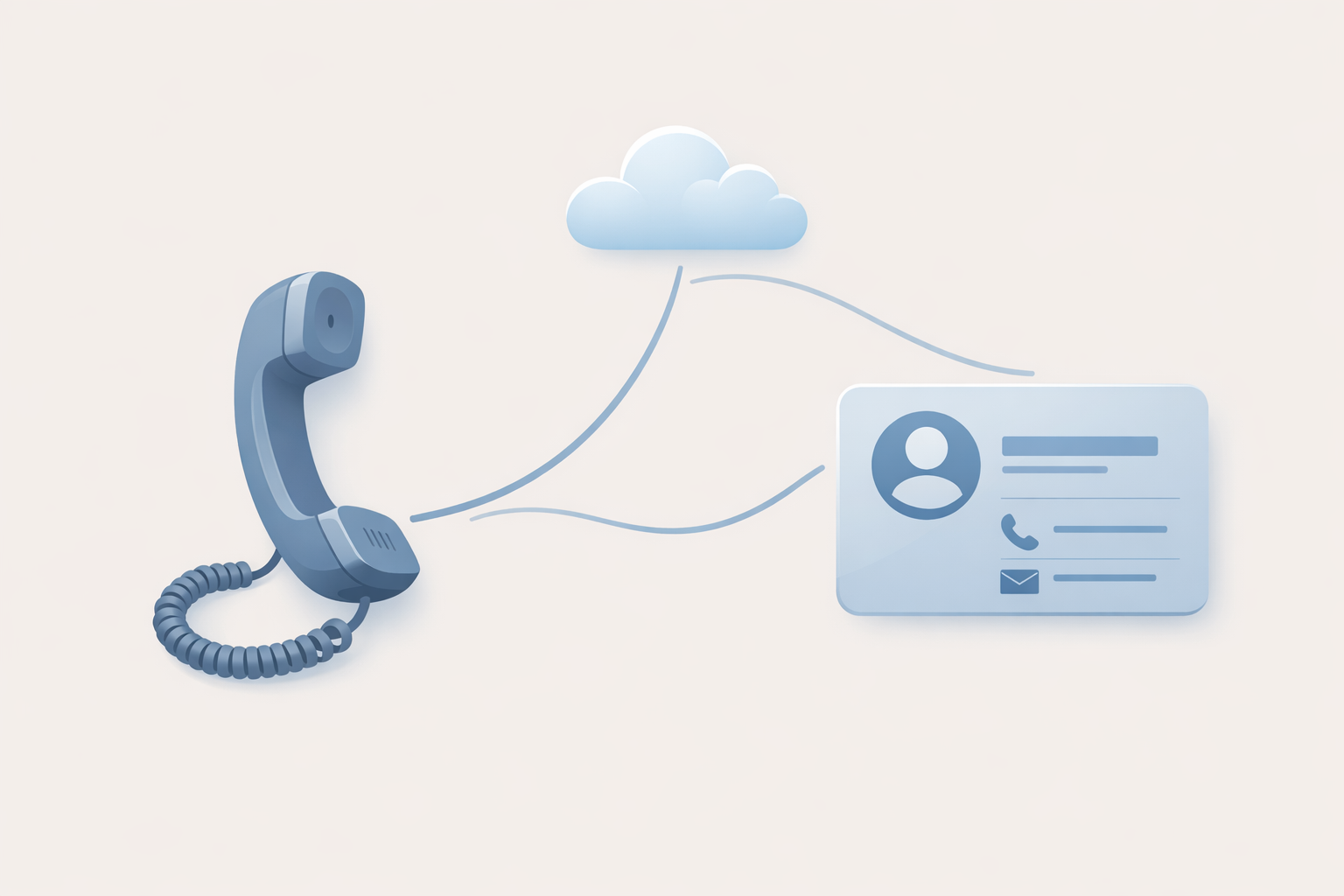
Integrating Your CRM with Your AI Voice System: Patterns, Data, and Workflows That Actually Help Ops
If you’re evaluating an AI voice system, you’re probably not buying “AI” — you’re buying fewer misrouted calls, faster resolutions, cleaner follow-up, and better visibility in your CRM.
A good CRM integration does three things:
- Recognizes the caller (or at least the account) fast
- Logs what happened automatically (so reps don’t)
- Triggers the next step (task, ticket, quote, follow-up)
Below is a practical map of integration patterns, the data to capture, and the workflows that make the phone channel measurable.
What “CRM + AI voice system integration” should do (in plain English)
The outcomes ops teams actually want
Aim for outcomes that show up in dashboards and daily work:
- Faster caller identification (screen pops / matched records)
- Fewer manual notes (auto call logging + dispositions)
- Better handoffs (AI receptionist → correct queue/owner)
- Reliable follow-up (tasks, sequences, tickets created automatically)
Where on-hold and IVR fit into the same customer journey
Even with voice automation, callers still hit moments of uncertainty:
- “Did it understand me?”
- “Am I in the right place?”
- “How long is this going to take?”
That’s why IVR scripts, routing logic, and on-hold messaging should be designed together. If your CRM integration is strong but your hold experience is generic, you’re leaving trust (and conversions) on the table. If you need a quick baseline, see on-hold messaging for small businesses: a practical starter guide.
The 3 integration patterns: CTI, webhooks, and APIs
Most real-world stacks use a mix of all three.
CTI (screen pops, click-to-dial, embedded softphone)
CTI (Computer Telephony Integration) typically means your phone controls and call context live inside the CRM.
Common CTI capabilities:
- Screen pop the matching contact/account on inbound calls
- Click-to-dial from CRM records
- Auto-create call activities
References:
Webhooks (real-time events that trigger CRM workflows)
Webhooks are “something happened” messages your phone/AI system sends to your CRM or middleware.
Good webhook events to start with:
- Call started / call ended
- IVR selection or intent detected
- Transfer to agent / queue
- Voicemail left
- Appointment booked
These events are ideal for triggering CRM automation (create task, open ticket, notify owner).
APIs (two-way sync for records, transcripts, and dispositions)
APIs are for structured, two-way data exchange.
Typical API use cases:
- Look up a customer by phone number (or account ID)
- Write call logs, dispositions, tags
- Attach transcripts/summaries to the right record
- Pull CRM context (customer tier, open cases) to influence routing
What data to capture (and what to avoid capturing)
Minimum viable dataset for revenue + service teams
Start small and useful. A strong “minimum viable” set:
- Caller phone number (ANI) and call timestamps
- Matched CRM record ID (contact/account/lead)
- Call outcome/disposition (e.g., “Booked demo,” “Billing question,” “Left voicemail”)
- Agent/queue that handled the call
- Next action created (task/ticket/opportunity update)
Transcripts, summaries, and dispositions: how to keep them useful
If you store transcripts, make them searchable and actionable:
- Save a short summary + key fields (intent, product, urgency)
- Use consistent disposition values (avoid free-text chaos)
- Link to the recording/transcript rather than pasting huge blobs into notes when possible
For more on what NLP can extract from calls, read how natural language processing (NLP) is changing the call center and using AI to analyze what your callers are asking for.
Privacy and retention basics
Call data can become regulated data fast.
Practical guardrails:
- Define retention for recordings/transcripts (don’t keep “forever” by default)
- Restrict access by role (support vs sales vs admin)
- Avoid storing sensitive data in open text fields
References:
High-impact CRM workflows to implement first
Screen pop + identity resolution
Goal: reduce “who am I talking to?” time.
Implementation options:
- Match by phone number → open contact/account
- If no match: create a lead with source = “Phone” and capture intent
Auto-log calls and outcomes
Make call logging automatic:
- Create a call activity on start/end
- Write disposition + tags at end
- Attach recording/transcript link (if used)
Follow-ups: tasks, sequences, and tickets
Use events to trigger the right next step:
- “Billing intent” → create case in billing queue
- “Demo request” → create lead + assign SDR + create task
- “Missed call” → create callback task with SLA
If you’re using sentiment or urgency detection, keep it simple and auditable. (Related: how AI detects caller sentiment in real time.)
Routing and escalation using CRM context
This is where integration becomes customer experience.
Examples:
- VIP customers bypass general queue
- Open case present → route to assigned agent/team
- Past-due invoice → route to billing (with a friendly script)
IVR scripting and caller experience: where most integrations fail
Menu bloat and dead ends
The most common failure mode is a technically “integrated” system that still forces callers through:
- Too many options
- Repeated prompts
- No escape hatch to a human
Keep IVR scripting tight and task-based. If a caller is stuck, route them.
Not using CRM context to shorten paths
If you already know who’s calling, don’t ask the same questions again.
Use CRM context to:
- Confirm identity (“Are you calling about your open order?”)
- Offer the right path first (“Press 1 to reschedule your appointment”)
Hold time is still part of the experience
Even great routing still creates hold time during peaks.
Use hold time to:
- Set expectations (“We’ll be with you shortly”)
- Reduce repeat questions (hours, documents needed, next steps)
- Cross-sell responsibly (relevant services, not random ads)
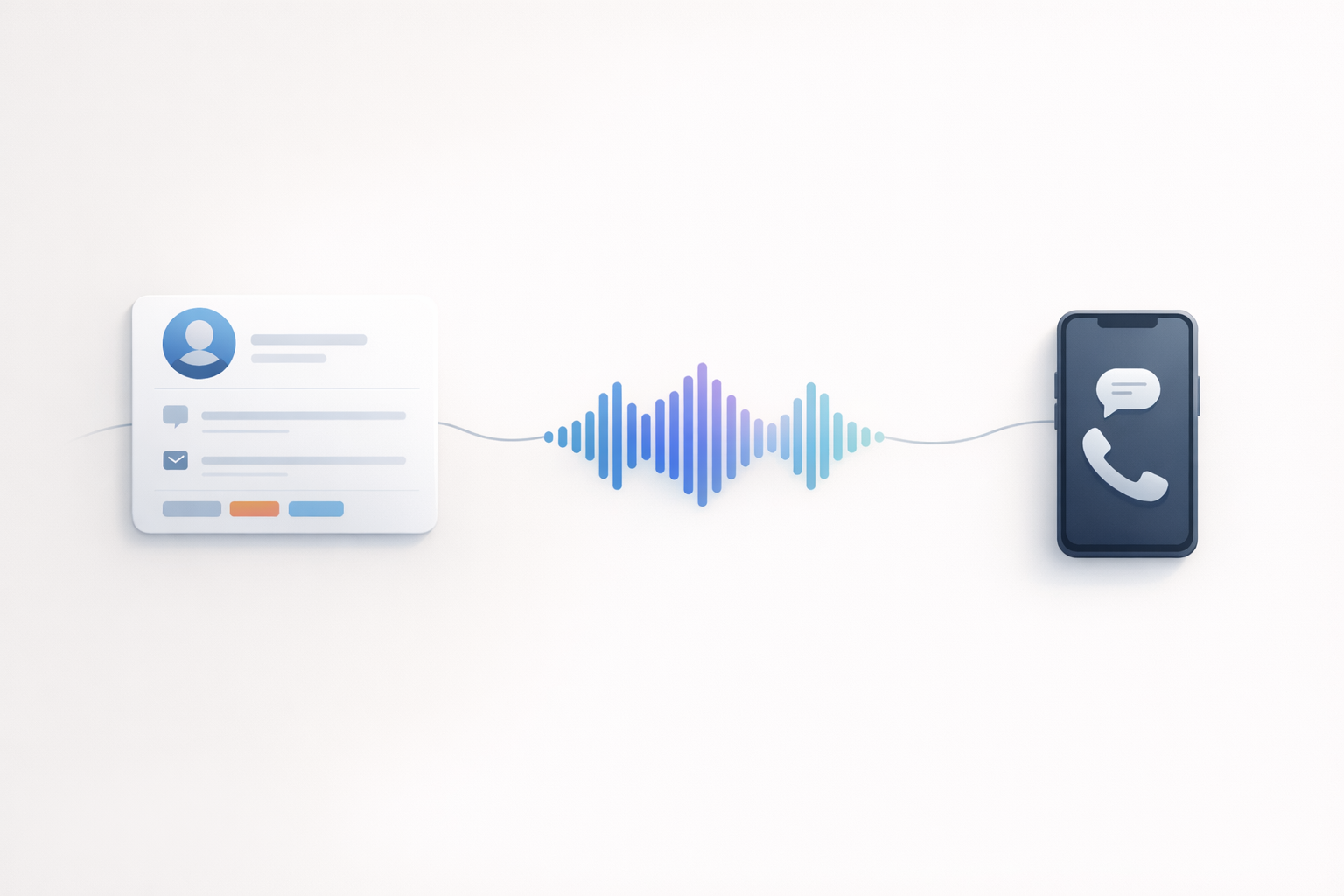
Illustrative scenario: a 30-day rollout plan for an SMB ops team
(Illustrative example — adjust to your CRM/telephony stack and compliance requirements.)
Week 1: map journeys + define fields
- List top 10 call reasons
- Define dispositions and required fields
- Decide where transcripts/summaries live (or if you’ll store links only)
Week 2: implement events + logging
- Stand up webhooks for call start/end and key intents
- Implement screen pops (CTI or custom)
- Validate record matching rules
Week 3: add automation + QA
- Build 3–5 workflows (missed call callback, demo request, billing case)
- Test edge cases (unknown caller, shared phone numbers, transfers)
- Confirm access controls and retention rules
Week 4: refresh scripts and on-hold content
- Rewrite IVR prompts based on what you learned
- Add “what happens next” messaging for common paths
- Update on-hold messages to answer FAQs and reduce repeat calls
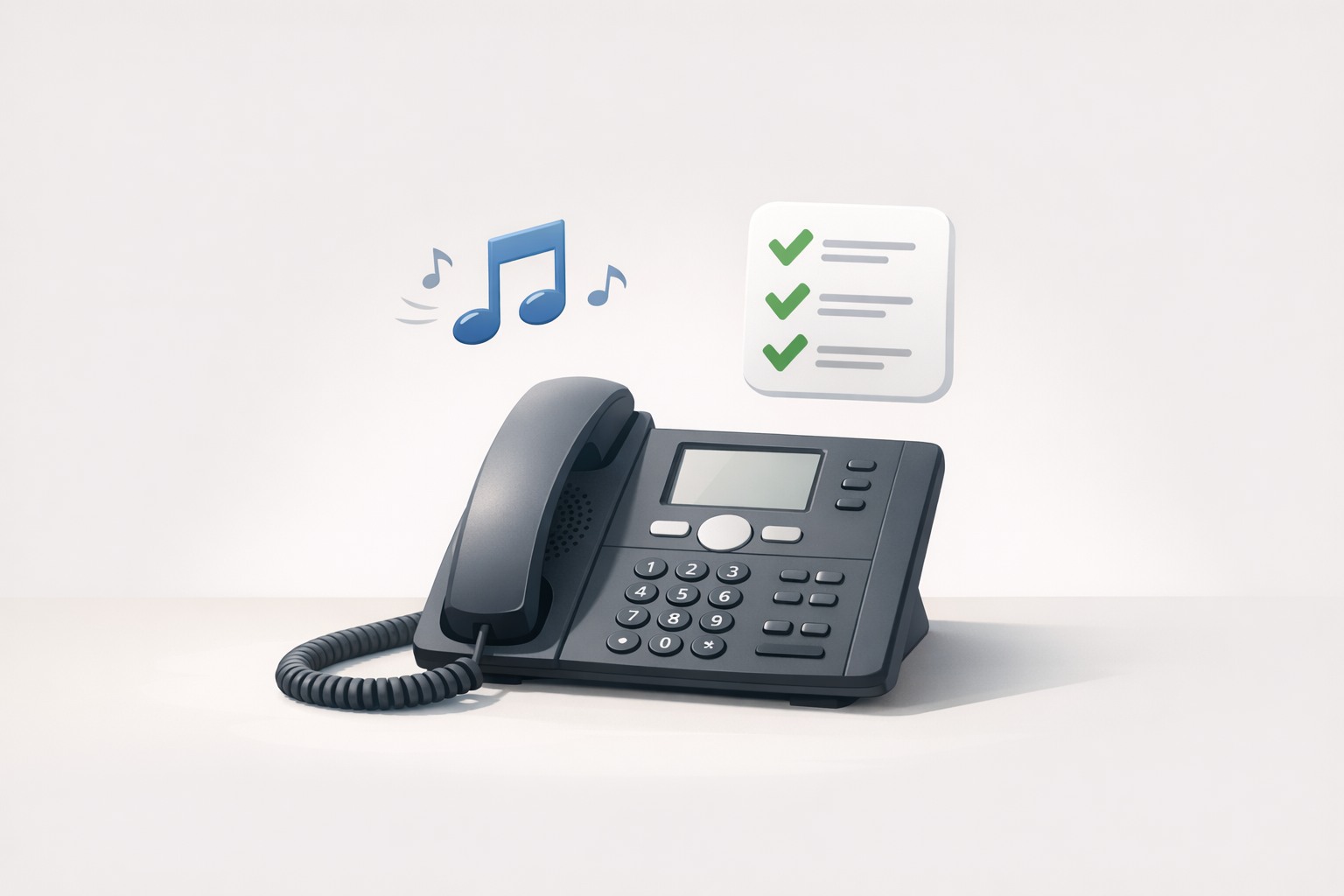
A practical checklist before you go live
Security, compliance, and access control
- Confirm consent requirements for recordings and disclosures (region-specific)
- Lock down who can access recordings/transcripts
- Document data flow (what is stored where)
Reference: FCC guidance on telemarketing and robocalls
Fallbacks when AI fails
- Clear path to a human
- If CRM lookup fails, still log the call with a temporary ID
- If transcription fails, still capture disposition and next step
Reporting: what to measure
Start with operational metrics you can act on:
- Missed calls and callback completion
- Disposition mix (why people call)
- Transfers per call (proxy for misrouting)
- Time-to-first-action after call (task/ticket created)
Turn hold time into a branded moment (without slowing down the integration)
Your CRM integration improves operations. Your on-hold experience protects the brand while operations catches up.
If you want the fastest win while you’re building CTI/webhooks/APIs: publish professional on-hold messages that set expectations and answer the top questions.
OnHoldToGo lets you create polished on-hold audio in minutes: type a script, pick a professional voice, add matched background music, and download MP3/WAV. Learn more at OnHoldToGo or review pricing.
---
Next step
If you share your CRM (Salesforce, HubSpot, Dynamics, etc.) and your phone/AI voice platform, we can outline the simplest integration path (CTI vs webhooks vs API) and the first 3 workflows to ship.