Customer Call Experience for MSPs: Turn Helpdesk Calls Into Tickets Automatically
Improve customer call experience for MSPs with AI voice intake that creates tickets, routes by priority, and uses on-hold messaging to set expectations.
Customer Call Experience for MSPs: Turn Helpdesk Calls Into Tickets Automatically
When your helpdesk line is busy, the customer call experience becomes your front door. If callers wait too long, get transferred twice, or have to repeat their issue, they don’t just feel annoyed—they lose confidence that you’re in control.
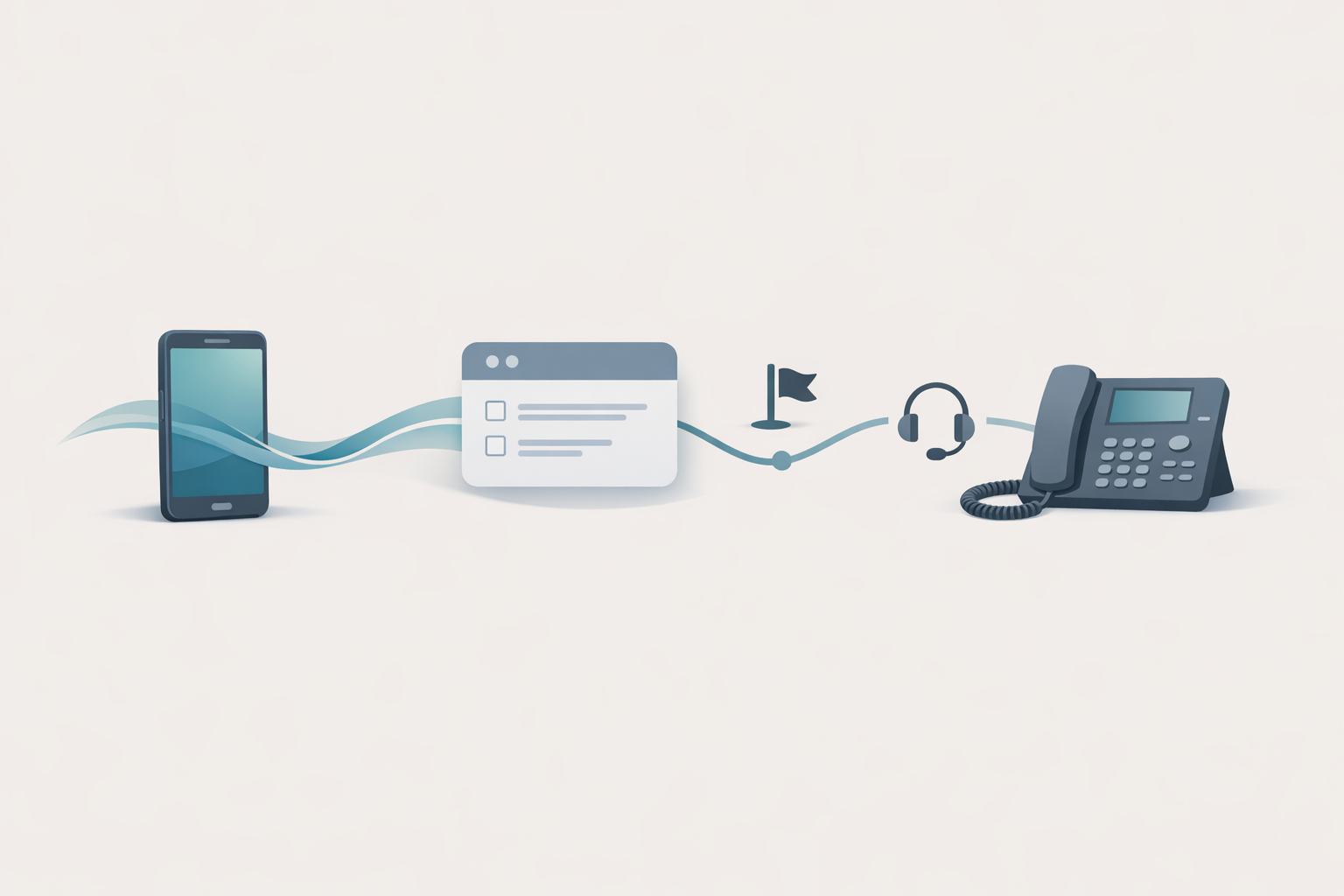
The fix isn’t “more agents.” For most MSPs, it’s a tighter voice workflow: capture the right details once, create a ticket automatically, route by priority/on-call, and use on-hold messaging to set expectations.
Why MSP phone support breaks (and what it costs you in the customer call experience)
The hidden failure points: identity, urgency, and context
A phone call is high-speed, low-structure. If you don’t standardize what gets captured, you end up with:
- Unknown caller identity (or the wrong company/site)
- Vague problem statements (“email is down”) with no impact details
- No device/user context
- No severity, so everything becomes “urgent”
Where callers drop: transfers, repeats, and long holds
The most common “call abandonment” triggers are predictable:
- Too many menu options
- A live transfer that turns into voicemail
- Long holds with no updates
- Having to re-explain the issue after a handoff
If you’re trying to improve customer experience, Zendesk’s CX research is a useful reminder that experience is a purchase driver—not a “nice to have.” See: Customer experience statistics (Zendesk).
What “automatic ticket creation from calls” actually means
Minimum viable workflow (MVP) for ticket-by-phone
You don’t need a futuristic call center. The MVP looks like this:
- Caller reaches your support number.
- AI voice system (or IVR + voice capture) collects essentials.
- A ticket is created in your PSA/helpdesk with structured fields.
- Call is routed to the right queue/on-call based on priority.
- While waiting, the caller hears useful, branded on-hold messages.
Under the hood, this typically sits on a VoIP/SIP call flow (the standard behind many business phone systems). If you want the technical grounding, SIP is defined in RFC 3261.
What data you should capture every time
Aim for fields your dispatcher/triage tech actually uses:
- Caller name + callback number (confirm it)
- Company/site (especially for multi-site clients)
- Issue category (email, internet, workstation, server, line-of-business app)
- Impact (one user vs many users)
- Time sensitivity (blocking work? workaround?)
- Best next step (call back vs stay on the line)
A practical blueprint: AI voice intake + routing + on-hold messaging
Step 1: Verify who’s calling without making it painful
Use one of these approaches:
- Known-number match: “It looks like you’re calling from Acme Dental—press 1 to confirm.”
- Light verification: ask for a short identifier (company name + last name).
- Fallback to agent: if verification fails twice, route to a human.
Step 2: Capture the issue in structured fields
This is where voice automation helps more than traditional “press 1 for billing.”
- Ask one open prompt: “Tell me what’s happening.”
- Follow with 1–2 clarifiers: “Is this affecting multiple users?” “Are you completely blocked?”
- Confirm what will be submitted: “I’m creating a ticket for… Is that correct?”
For deeper background on how this works, see our cluster pillar: how natural language processing (NLP) is changing the call center.
Step 3: Route by priority/on-call (and stop the ping-pong)
Routing rules should be boring and consistent:
- High severity: many users impacted, site down, security incident → on-call / priority queue
- Standard: single user, non-blocking → normal queue
- After-hours: confirm it’s urgent before paging
Many MSPs implement routing on common platforms like Teams Phone or Google Voice. References:
Step 4: Use on-hold messaging to set SLAs and reduce repeat calls
Hold time is where you can prevent the second call.
Use on-hold messages to:
- Confirm the ticket was created (“Your request is being logged now…”)
- Set expectations (“If this is a site-wide outage, we’ll update your ticket within X minutes…”)
- Tell callers what to have ready (device name, screenshots, error codes)
- Offer self-serve for common issues (password reset, known outage page)
If you want a broader primer, this cross-cluster guide helps: on-hold messaging for small businesses: a practical starter guide.
IVR scripting templates MSPs can copy today
Short intake script (under 20 seconds)
Goal: create a usable ticket even if the caller hangs up.
- “Thanks for calling support. Please say your name and company.”
- “Briefly describe the issue.”
- “Is this affecting one person or multiple people?”
- “If we get disconnected, what’s the best callback number?”
- “Thanks—creating your ticket now.”
After-hours/on-call script
- “You’ve reached after-hours support.”
- “If this is a business-stopping issue, say ‘urgent.’ Otherwise, say ‘standard’ and we’ll respond next business day.”
- “Please describe what’s happening and your callback number.”
High-severity outage script
- “If your internet is down for the whole office or multiple users can’t work, say ‘outage.’”
- “Please confirm your company and location.”
- “We’re creating a priority ticket and alerting on-call.”
Mistakes that make automation feel like a wall (and how to avoid them)
Overlong menus and “press 7 for…” bloat
If your menu has more than 4–5 choices, callers stop listening. Keep choices broad and rely on issue capture + routing.
No confirmation: the ticket exists, or the caller panics
Always confirm at least one of:
- Ticket created
- Callback promised
- Estimated response window
Generic hold music that wastes the most valuable minute
If the caller is already waiting, don’t make them wait and wonder. Use that time to communicate:
- What’s happening next
- What you need from them
- What you’re doing to resolve it
Illustrative scenario: from chaotic phone line to clean tickets in one week
(Illustrative) A 12-person MSP supports 80 SMB clients. Calls spike Monday mornings. The dispatcher spends half the day asking the same questions and creating tickets manually.
Before:
- Caller explains issue to receptionist
- Transfer to dispatcher
- Caller repeats details
- Ticket created late (or missing key fields)
After (week-one rollout):
- AI receptionist captures identity + issue + impact
- Ticket created immediately with structured fields
- Priority calls route to on-call; standard calls queue
- On-hold messaging confirms the ticket and sets expectations
Result: fewer repeat calls, faster triage, and a calmer front line.
How to measure improvement (without fancy dashboards)
KPIs: abandon rate, repeat calls, time-to-triage, first-contact resolution
Pick 3–4 metrics you can track weekly:
- Call abandonment rate (by hour/day)
- Repeat-call rate within 24 hours (same caller/company)
- Time from call start → ticket created
- Time from ticket created → first tech response
Quick QA checklist for your customer call experience
- Can a caller create a ticket in under 60 seconds?
- Do you capture impact (one vs many) every time?
- Does the caller hear a clear next step while on hold?
- Do after-hours calls route correctly without waking the wrong person?
If you’re integrating ticket creation with your systems, this is the next read: integrating your CRM with your AI phone system.
Turn hold time into a branded support moment
What to say while they wait (and what not to say)
Say:
- “We’re logging your request now.”
- “If this is a security incident, please disconnect the affected device from the network.”
- “Have your device name ready (often shown on a sticker or in system settings).”
Avoid:
- Long marketing promos
- Jokes that minimize urgency
- Anything that sounds like you’re blaming the user
How OnHoldToGo makes updates easy with smart rotations
With OnHoldToGo, you can create professional on-hold audio in minutes:
- Type (or generate) a script
- Choose from professional voices and background music matched to your business type
- Use smart rotations so callers hear fresh variations
- Download MP3/WAV (ZIP available) and upload to your phone system
If you want to pressure-test your voice workflow beyond routing, sentiment detection is a strong next step: how AI detects caller sentiment in real time.
CTA
If your helpdesk line is costing you repeat calls and slow triage, start by fixing what callers hear while they wait. Build a short MSP-ready on-hold message and rotate updates automatically.
- Try it now: OnHoldToGo
- Ready to roll it out across clients? See pricing