AI Voice System for Restaurants: Integrate Voice + Online Ordering to Reduce Abandoned Calls
Integrate an AI voice system with restaurant online ordering to cut call abandonment, route orders faster, and use on-hold audio to promote specials and...
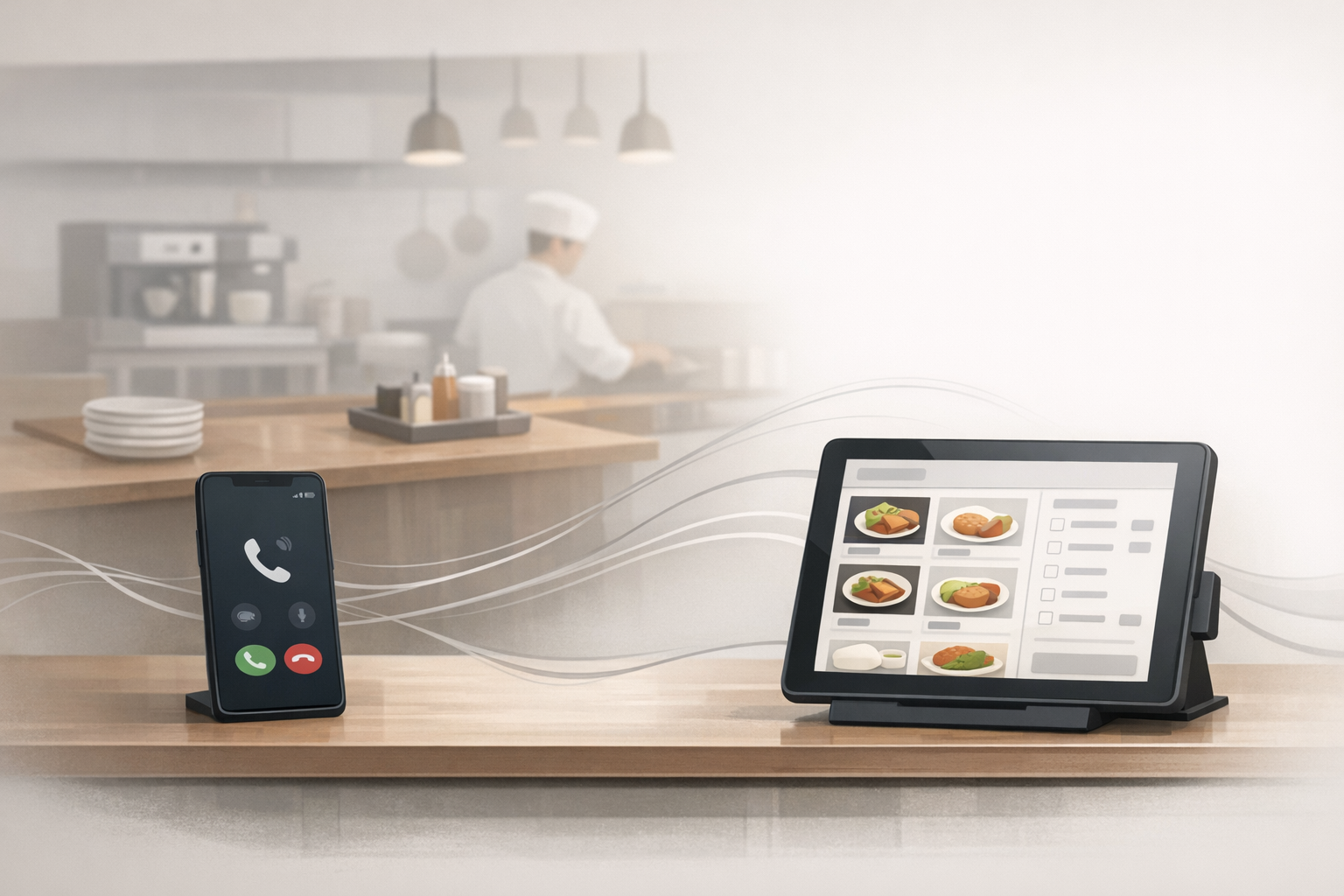
AI Voice System for Restaurants: Integrate Voice + Online Ordering to Reduce Abandoned Calls
Peak hours create a perfect storm: the phone rings nonstop, the kitchen is slammed, and callers who could order online still call for “quick questions.” The result is predictable—long holds, missed calls, and orders that never happen.
An AI voice system (paired with clean IVR scripting and strong on-hold messaging) can move routine calls to self-serve flows without making your restaurant feel robotic.
Why restaurants need an AI voice system (even if you already have online ordering)
The real problem: peak-hour calls collide with peak-hour production
Online ordering doesn’t automatically reduce calls. It often creates new ones:
- “Did my order go through?”
- “Can I swap sides?”
- “How long is delivery tonight?”
- “Do you have gluten-free options?”
When staff has to answer those during rush, callers sit on hold—or hang up.
Where callers drop off: holds, misroutes, and repeated questions
Restaurants lose conversions when:
- Calls route to the wrong person (host stand vs expo vs manager)
- Callers can’t find the fastest path to “place an order now”
- The phone experience doesn’t match your brand (dead air, generic hold music, no guidance)
If you’re building voice automation, don’t ignore the “in-between” moments. Hold time is still customer experience.
What “integrating AI voice with online ordering” actually means
AI receptionist vs IVR vs voicemail: a plain-English breakdown
- IVR: menu options like “Press 1 for hours, 2 for catering.” (See an implementation example in Twilio’s IVR docs.)
- AI receptionist / conversational voice: callers speak naturally (“I want to place a pickup order”), and the system routes or completes a task.
- Voicemail: last resort. Useful for after-hours, but it’s not an ordering flow.
If you want the best of both worlds, many restaurants use a hybrid: conversational routing up front, then a short IVR menu for edge cases.
The handoff points: from phone to link, to order, to human
A practical integration usually includes:
- Identify intent (order, hours, reservation, catering, status)
- Offer the fastest resolution
- Text the online ordering link
- Route to the right station
- Provide recorded answers for common questions
- Escalate to a human when it matters (complaints, large orders, allergy needs)
Want the deeper “how it works” view? Start with how NLP is changing the call center.
A practical integration blueprint (SMB-friendly)
Step 1: Map your top 10 call reasons
Pull a quick list from your team (or call logs). Common restaurant call drivers:
- Place an order
- Modify/cancel an order
- Check order status
- Hours / holiday hours
- Directions / parking
- Reservations / waitlist
- Catering inquiry
- Gift cards
- Allergens
- “Do you have X?” menu availability
Step 2: Decide what AI should handle vs staff
Use this simple rule:
- Automate: repetitive, factual, low-risk questions
- Route fast: order placement, catering, large parties
- Human-first: complaints, refunds, allergy edge cases, VIPs
If you’re planning to use caller context (loyalty tier, last order, preferred location), read integrating your CRM with your AI phone system.
Step 3: Build IVR scripting that matches your kitchen reality
Your script should reduce friction, not add it.
Restaurant IVR scripting best practices:
- Keep the first prompt under ~10 seconds
- Put “place an order” first during business hours
- Offer a “text me the ordering link” option (fast win)
- Provide a clear escape hatch: “Press 0 for staff”
Example opening prompt (editable):
> “Thanks for calling. To place a pickup or delivery order, say ‘order’ or press 1 and we’ll text you the ordering link. For catering, say ‘catering’ or press 2. For hours and location, press 3.”
Step 4: Connect to ordering, POS, and/or CRM (as needed)
Not every restaurant needs a deep integration on day one.
Start simple:
- Text the ordering link (lowest lift)
- Route by location if you have multiple stores
- Escalate to a station (bar, host, manager) based on intent
Then iterate:
- Order status lookups
- Loyalty/customer identification
- Catering lead capture
For modern VoIP environments, many systems rely on SIP concepts (technical background: RFC 3261).
Step 5: Add on-hold messaging that drives orders while callers wait
Even with voice automation, callers will still wait sometimes—especially during rush or when you intentionally queue calls.
That’s where on-hold audio earns its keep: it can answer questions, reduce repeats, and push callers to the fastest path (online ordering).
For a practical primer, use this on-hold messaging starter guide.
On-hold messaging: the fastest win while you roll out voice automation
What to say on hold (restaurant-specific templates)
Use short, rotating messages. Keep them operational and revenue-friendly.
Template A: Drive online ordering
- “To order faster, use our online ordering page. We can text you the link—just ask.”
Template B: Set expectations
- “Thanks for your patience. Peak times may increase wait and prep times. We’ll help you as quickly as we can.”
Template C: Promote high-margin items (carefully)
- “Ask about today’s family meal bundle and dessert specials.”
Template D: Catering lead capture
- “Planning a meeting or event? Ask for catering—we can help with trays, boxed lunches, and delivery options.”
Be accurate and avoid overpromising—especially around pricing, fees, and availability. For general truth-in-advertising guidance, see the FTC’s Rules of the Road.
How smart rotations keep repeat callers from tuning you out
If the same customer calls twice in a week, they shouldn’t hear the exact same 15-second loop forever.
Rotations let you:
- Swap promos by daypart (lunch vs dinner)
- Rotate FAQs (hours, parking, online ordering)
- Keep the experience fresh without re-recording every time
OnHoldToGo is built for this: type a script, choose a professional voice and music, and download MP3/WAV in minutes.
Mini illustrative scenario: Friday-night call surge (illustrative)
Before (illustrative):
- 6:00–7:30 PM: phones spike
- Host answers “are you open?” and “what’s the wait?” repeatedly
- Orders back up because staff keeps leaving stations to answer calls
After (illustrative):
- AI voice greets callers and routes by intent (order, catering, hours)
- Callers who want to order get a text link immediately
- Anyone waiting hears on-hold messages that:
- reinforce ordering options
- promote a bundle
- set expectations for prep time
Result: fewer dead-end calls, fewer repeats, and staff stays focused on service.
Common mistakes (and how to avoid them)
Over-automating when callers need a human
Fix:
- Add a clear “talk to someone” path
- Escalate faster when callers sound upset (see AI sentiment detection)
Burying the ordering link and hours
Fix:
- Put “order” in the first prompt
- Repeat the ordering option on hold (briefly)
Promising things you can’t fulfill (fees, timing, availability)
Fix:
- Keep promos factual
- Make disclosures clear (fees, delivery zones, holiday hours)
- Use privacy-by-design thinking if you’re capturing caller info (reference: NIST Privacy Framework)
How to measure success
Track a few metrics before and after changes:
Operational
- Average hold time
- Call abandonment rate
- Transfers per call
- Calls handled by automation vs staff
Revenue and conversion signals
- Clicks on texted ordering links
- Online order conversion during peak windows
- Catering inquiries captured
- Upsell attachment rate (bundles, desserts, drinks)
Next steps: launch in days, not months
Quick-start checklist
- [ ] List top call reasons and peak hours
- [ ] Draft a short IVR script (order first)
- [ ] Add a “text me the ordering link” option
- [ ] Decide escalation rules (complaints, allergies, large orders)
- [ ] Create 6–10 rotating on-hold messages (promos + FAQs)
Where OnHoldToGo fits
If you’re improving your AI voice/IVR flow, don’t leave callers in silence or generic hold music.
Use OnHoldToGo to create professional on-hold audio in minutes—choose from 25 voices, match music to your business type, and download MP3/WAV.
CTA: Ready to turn hold time into orders and catering leads? Review OnHoldToGo pricing and launch your first rotating on-hold set today.