Why 15 Seconds Is the Sweet Spot for an AI Voice System (On-Hold + IVR)
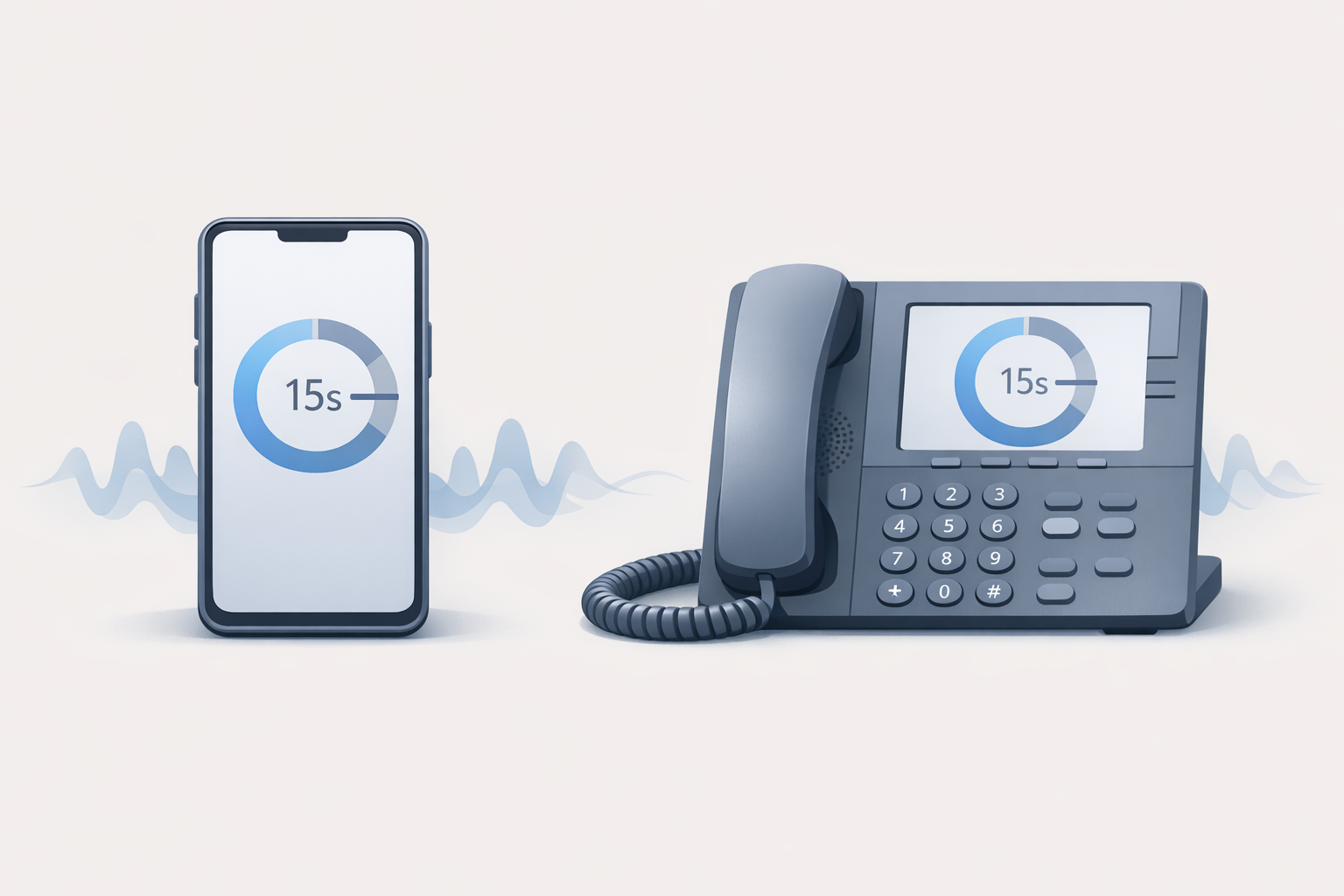
An AI voice system works best in ~15-second messages: clear, memorable, and less annoying. Use this cadence to cut repeats and improve call flow.
Why 15 Seconds Is the Sweet Spot for an AI Voice System (On-Hold + IVR)
If your phones are busy, your callers are already doing math: “Is this worth staying on the line?” The goal of on-hold and IVR messaging isn’t to “fill time.” It’s to reduce uncertainty, answer the top questions, and keep the call moving.
A practical rule that works across industries: aim for ~15 seconds per message.
The real problem: callers don’t hate waiting—they hate uncertainty
When callers don’t know what’s happening, they assume the worst: the call dropped, nobody’s there, or they picked the wrong option.
- Silence feels like a mistake (and it invites hang-ups). See why in: Why silence is the silent killer of customer retention.
- Long, rambling messages feel like you’re “selling” while they’re stuck.
From a UX standpoint, people do better when systems reduce mental effort—favoring recognition over recall (don’t make callers remember a paragraph of details). That’s consistent with common usability guidance like NN/g’s explanation of recognition vs. recall.
Why ~15 seconds works (and what it’s optimized for)
Fifteen seconds is long enough to be useful and short enough to be tolerable.
Comprehension: one idea per message
In ~15 seconds you can usually deliver:
- 1 key update (hours, location, service area)
- 1 action (press 2 for billing, have your account number ready)
- 1 reassurance (your call is important, you’re in queue)
Memory: reduce recall, increase recognition
Callers are often multitasking. Short messages reduce memory load, aligning with usability principles in standards like ISO 9241-210 (design around human needs and limitations).
Cadence: frequent updates without feeling repetitive
A short message every ~15 seconds also gives you a natural rhythm:
- update → music bed → update
- update → quick tip → update
This supports perceived responsiveness—users are more comfortable when feedback is timely and predictable (see NN/g’s response-time limits).
The 15-second formula for on-hold messages
Use this structure to keep scripts tight:
- Reassure (where they are / what’s happening)
- Help (one useful fact)
- Direct (one next step)
A simple structure you can reuse
- Line 1 (reassure): “Thanks for calling—your call is in the queue.”
- Line 2 (help): “For faster service, have your invoice number ready.”
- Line 3 (direct): “If you’re calling about scheduling, you can also leave a voicemail and we’ll call you back.”
Script templates (copy/paste)
Template A: reduce repeat questions
> “Thanks for holding—your call is next in line. Quick note: our service area is within 25 miles of downtown. If you’re outside that area, press 3 for referrals.”
Template B: set expectations
> “Thanks for your patience. Our team is assisting other callers, and we’ll be with you shortly. For billing questions, have your account number ready to speed things up.”
Template C: promote the right channel (without overselling)
> “Thanks for holding. If you’re calling to request an appointment, you can also submit the form on our website and we’ll confirm by phone. Otherwise, stay on the line and we’ll help you here.”
Want the bigger starter framework? Use: On-hold messaging for small businesses: a practical starter guide.
Inline image 1
The 15-second rule for IVR prompts (phone trees) too
Most “bad phone trees” aren’t bad because they exist—they’re bad because they’re wordy, unpredictable, and hard to scan with your ears.
Keep options short and predictable
Aim for:
- 3–5 options max per menu
- one verb per option (“Press 1 to schedule,” “Press 2 for billing”)
- consistent ordering (most common reason first)
If your IVR is confusing, fix the structure before you rewrite the wording. This pairs well with: Transforming your phone tree from a maze to a map.
When to split menus vs. add a submenu
Split when:
- options exceed 5
- callers frequently pick the wrong department
- you have two distinct audiences (customers vs. vendors)
Common mistakes that break the experience
These are the patterns that make callers bail—even if your voice sounds great.
- Overstuffing the message
- If you need two sentences to explain a promo, it’s not a hold message.
- No next step
- Callers should always know what to do while waiting (prepare info, choose a menu option, leave a voicemail).
- The same clip looped endlessly
- Repetition is where irritation spikes. Rotations matter.
Also: avoid dead air. If you want the why (and fixes), read: The psychology of waiting: how AI reduces perceived hold time.
How an AI voice system makes 15-second messaging easier
A 15-second strategy only works if it’s easy to create multiple short messages and keep them updated.
With an AI voice system approach, you can:
- Draft scripts fast (and tighten them to one idea)
- Choose a professional voice that fits your brand
- Add background music matched to your business type
- Use smart rotations so callers hear fresh content
- Download MP3/WAV (and a ZIP when you need it)
That’s the core workflow at OnHoldToGo: type, generate, rotate, download.
Mini scenario (illustrative): turning hold time into fewer repeat calls
Illustrative example (not a guarantee):
A 12-person HVAC office gets frequent calls that start with the same questions: “Do you service my zip code?” and “What do I need ready for a quote?”
Before:
- One 60–90 second on-hold clip with hours, a long promo, and a website plug.
After (15-second rotations):
- Message 1: service area + “press 2 for scheduling”
- Message 2: what info to have ready (model/serial, address)
- Message 3: emergency instructions + after-hours expectations
- Message 4: reassurance + callback option
Result: callers arrive to the agent with the basics ready, and fewer calls start with the same repeated setup questions.
Inline image 2
What to do next: a 30-minute implementation checklist
Use this to ship improvements today.
- List your top 6 caller questions (hours, location, pricing basics, what to bring, service area, scheduling).
- Write 4–6 messages (each one idea, ~15 seconds).
- Record two versions of your most important message (A/B wording).
- Rotate them so no caller hears the same clip back-to-back.
- Review monthly (seasonal updates, staffing changes, promos that ended).
If you want the fastest path: create your first rotation in minutes with OnHoldToGo pricing.
FAQ
Is 15 seconds a strict rule?
It’s a practical target. If you land between 12–20 seconds while keeping one clear idea, you’re usually in a good place.
How many on-hold messages should I rotate?
Start with 4–6. That’s enough variety to reduce repetition without making updates hard.
Should I use hold music or voice messages?
Most businesses do best with both: short voice updates plus a music bed. The key is cadence and clarity.
Can I use the same approach for an AI receptionist greeting?
Yes—keep the greeting brief, state what the system can do, and give 3–5 clear options. Then test and refine.
How do I know if my phone messaging is working?
Listen for operational signals: fewer “what are your hours?” calls, fewer misroutes, and fewer callers asking you to repeat basics.
---
CTA: Turn your hold time into a branded, revenue-supporting experience. Build a 15-second rotation with a professional voice in minutes at OnHoldToGo.